How to Login into PM3 Google Workspace
PM3 Indonesia München e.V. is registered in Google Nonprofits and we also have a Google Workspace to organize our digital needs.
PM3 Workspace Account
All committee of PM3 will automatically get a PM3 Google Workspace account. In normal case the credentials will be sent to your primary email address or if you haven't received it yet, please ask IT division to provide a help for you.
Login to Google Workspace
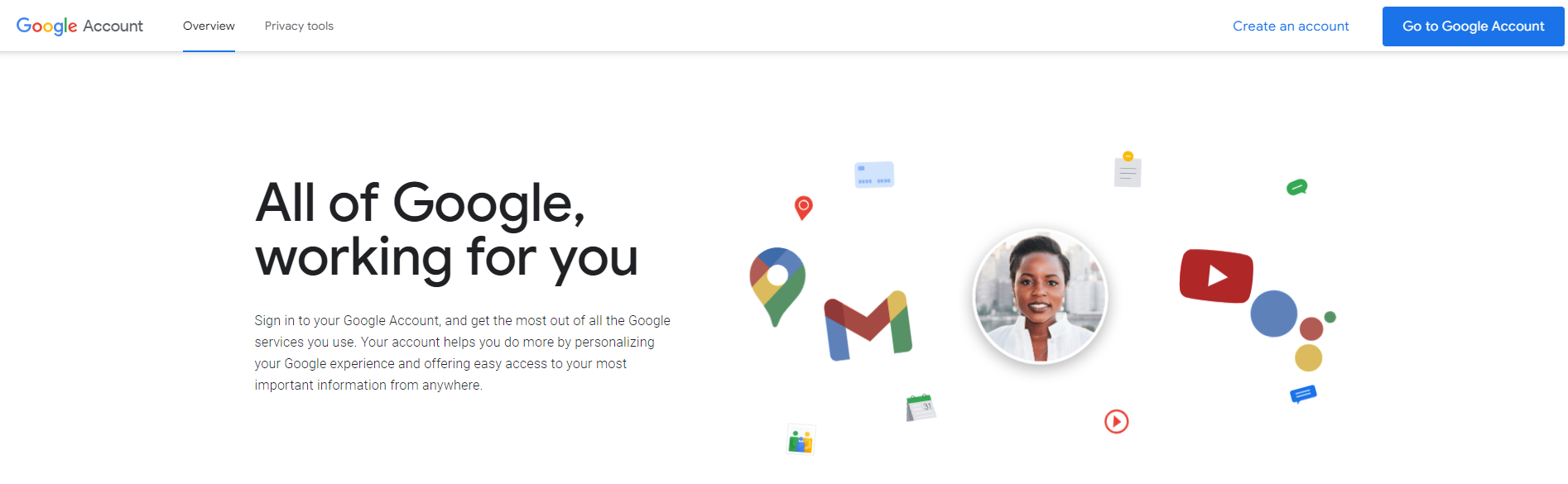
- Please go to this site
- Click "Go to Google Account" button
- Input your username (normaly firstname.lastname@pm3muenchen.de)
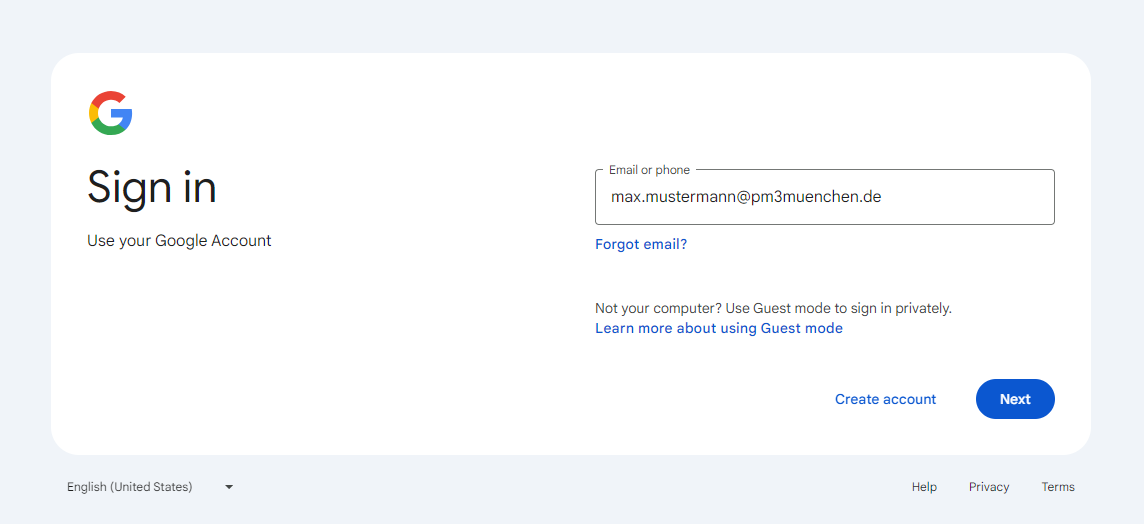
- Press "Next" button
- Input your password

- Press "Next" button again
- You already logged in into PM3 Google Workspace